In 3 Steps Get Started with Algola

Register on the partner exchange, connect your API, start receiving signals.

~5 dk

Kurulum

Free

Tamamen

7/24

Sinyal

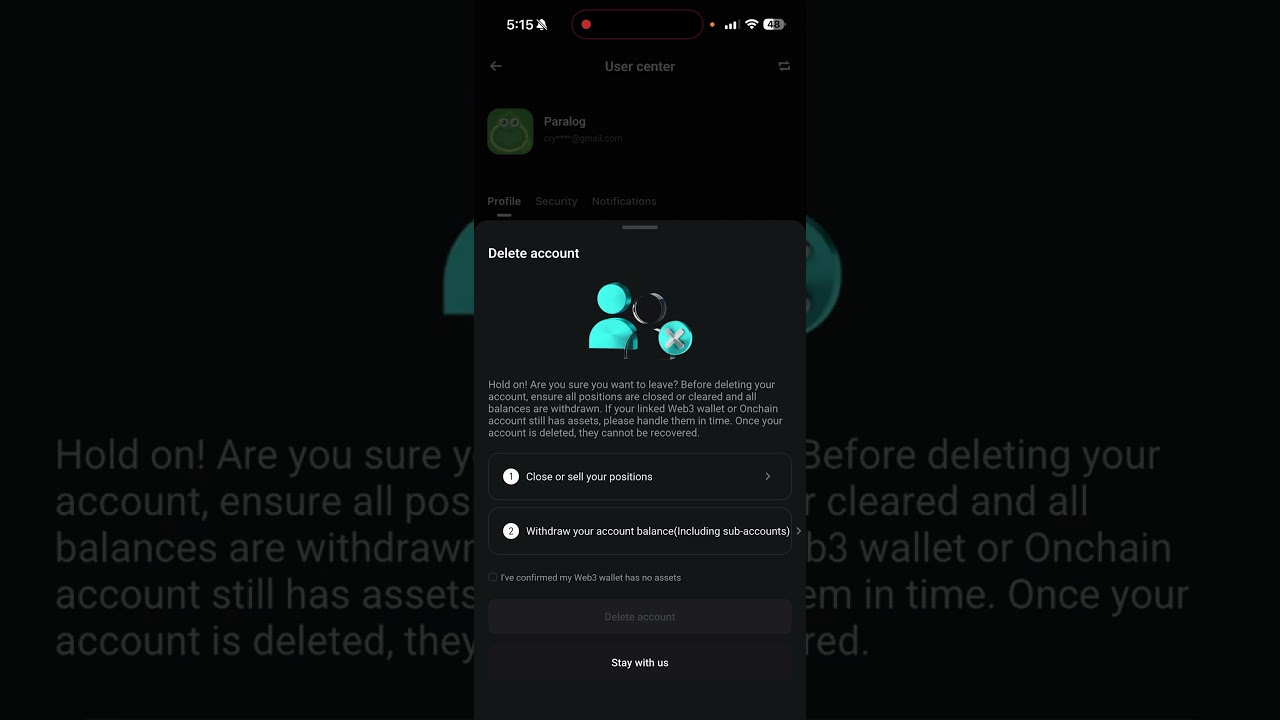
How Can You Delete Your Bitget Account?
Hesap Kurulumu
1 dk

How Can You Delete Your Bitget Account?

Securely delete and recreate your account.
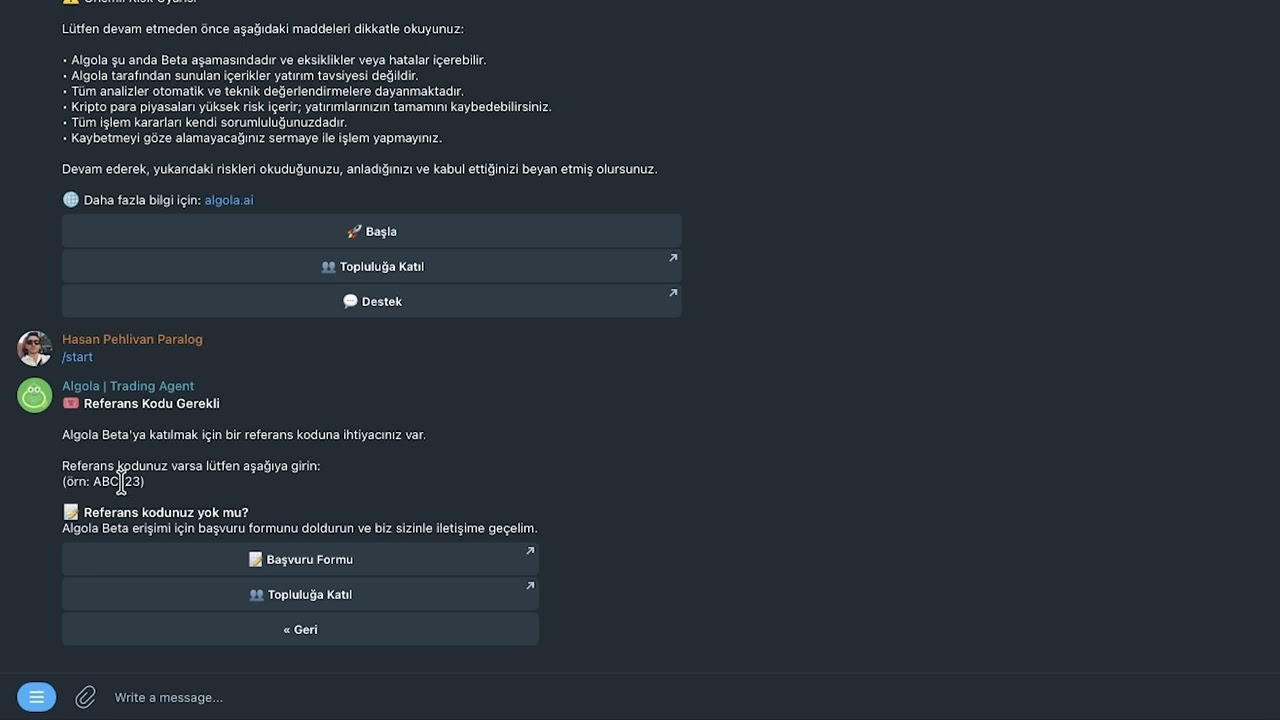
How to Connect Bitget API?
Teknik Kurulum
2 dk

How to Connect Bitget API?

Connect your exchange API keys to Algola step by step.
BingX API Connect
Teknik Kurulum
1 dk

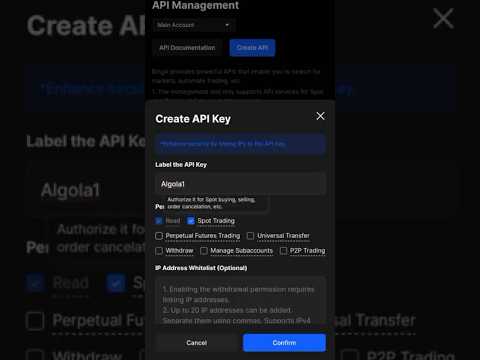
BingX API Connect

Connect your BingX API keys to Algola step by step.
Sign up for BingX with Algola in 2 minutes
Hesap Kurulumu
2 dk

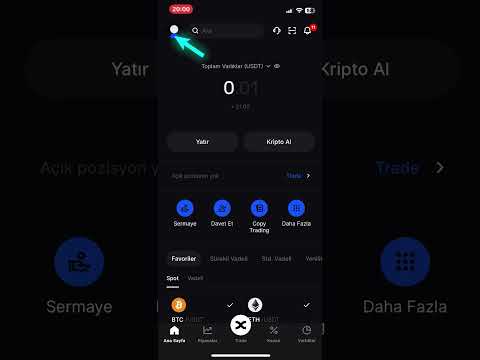
Sign up for BingX with Algola in 2 minutes

Create your BingX account quickly with the Algola referral link.
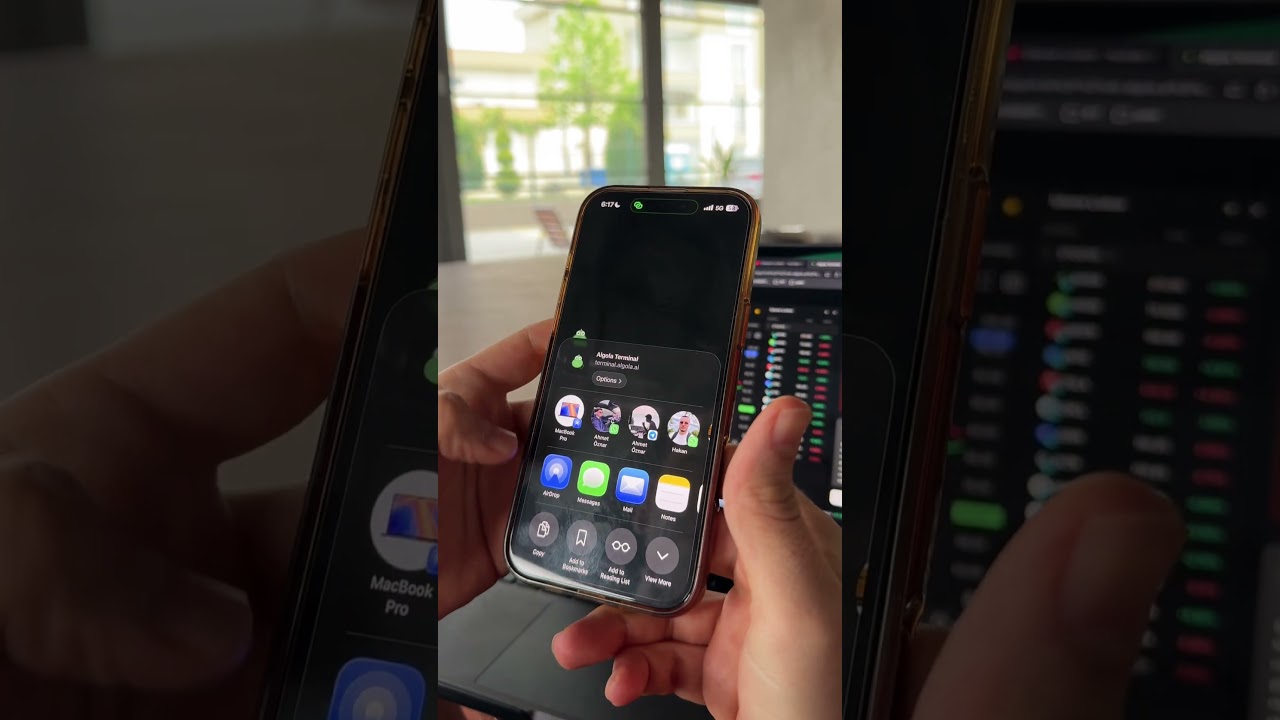
Algola Mobil App Kurulum
Mobil Kurulum
29 sn

Algola Mobil App Kurulum

Installing the Algola mobile application and making it ready for use.
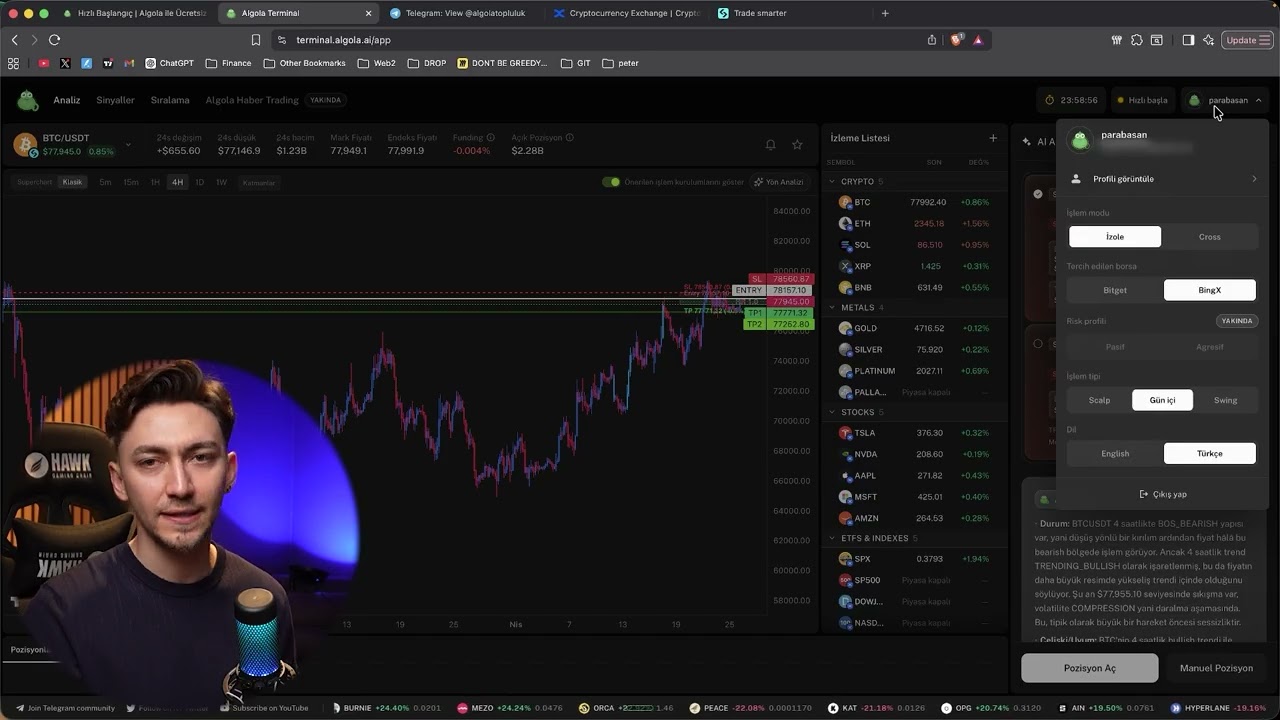
How to Register in Algola Trading Terminal?
Hesap Kurulumu
5 dk

How to Register in Algola Trading Terminal?

Create your Algola trading terminal account step by step.

Partner Borsalar

Algola platformu tamamen it is free. It is financed through formal revenue sharing agreements with exchanges.

Bitget exchange logo

Bitget

Advanced futures infrastructure for cryptocurrencies and US stocks with high liquidity and up to 125x leverage.

BingX exchange logo

BingX

Professional trading platform equipped with copy-trading capabilities, optimized for crypto, currency pairs and global indices.

If you have an existing account, you must delete it and re-register with the Algola reference link.

Choose Your Exchange start

Installation takes less than 5 minutes.

You must delete your existing account and register again.

01

Delete existing Bitget account

If you already have a Bitget account, you need to delete your existing account first.

02

24 saat bekle

After the account is deleted, the Bitget system imposes a 24-hour waiting period.

03

Create a new account with Algola referral link

Open a new account with the Algola referral link after 24 hours. No credit card required.

04

Get started

Start trading with Telegram @algolabot on mobile and Algola Terminal on desktop.

Summary
Installation time~5 dakika
Gerekli bilgiZero technical knowledge
FeeCompletely free
AccessTelegram + Terminal

Your API key is used only for transaction authorization. shooting His authority is never requested.

Frequently Asked Questions

Partner exchanges are responsible for the security of your money. Algola cannot touch your money.
Only transaction authorization is given in the API connection. Algola cannot enter into a transaction without approval, and withdrawal authorization is never requested.
Yes, you can use it. Algola specifies entry, stop-loss and target levels on each signal. You manage the risk yourself.
There is no limit, you can start with $10 or $10,000.
There is always a risk of losing money in financial markets. Algola artificial intelligence helps you minimize this risk by acting as your trading assistant.
It varies depending on the market situation, sometimes 1, sometimes 3 signals are sent. Algola filters out poor quality setups.
Yes. Algola works through partner exchanges operating legally in Turkey.
Algola is funded through formal revenue sharing agreements with partner exchanges. No fees are charged from users.
Delete your current account, wait 24 hours, then sign up again with a different email via Algola's referral link. You can follow the step-by-step guide in the Trainings section.
You can move your BingX membership to Algola without deleting your BingX account. You can learn how to do it from this video.

Are you ready?

Algola is completely free. Installation takes less than 5 minutes.

No credit card required · Installation in 5 minutes · 24/7 signal